

News
4 min read
October 2021 - What's New?
Customisable Land Size on Subdivision Calculator
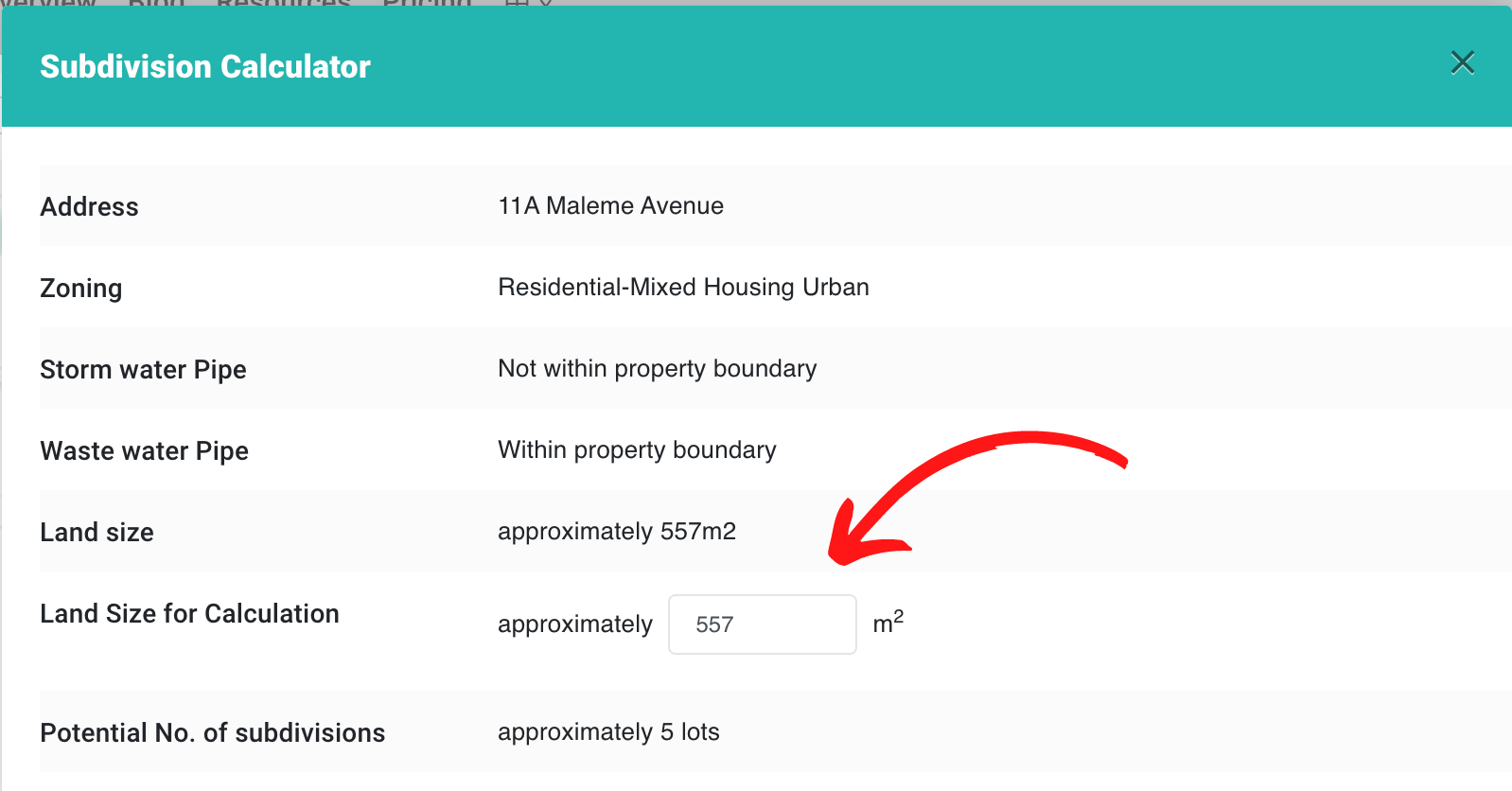
You can now customize the land size that you wish to work with in our Subdivision Feasibility Calculator. This is super handy when it comes to dealing with multiple sites - you can simply add the land size of the two sites together, or when you may have impingements on the land you are working with. This makes your calculation even more refined and accurate and gives you greater insight into the possibilities of potentially difficult or complicated sites.
SMS login Process - Verification
If you've forgotten to verify your phone number when you signed up, it's all good! We now have a verify button, located on your account profile page.

Rental Data Improvement
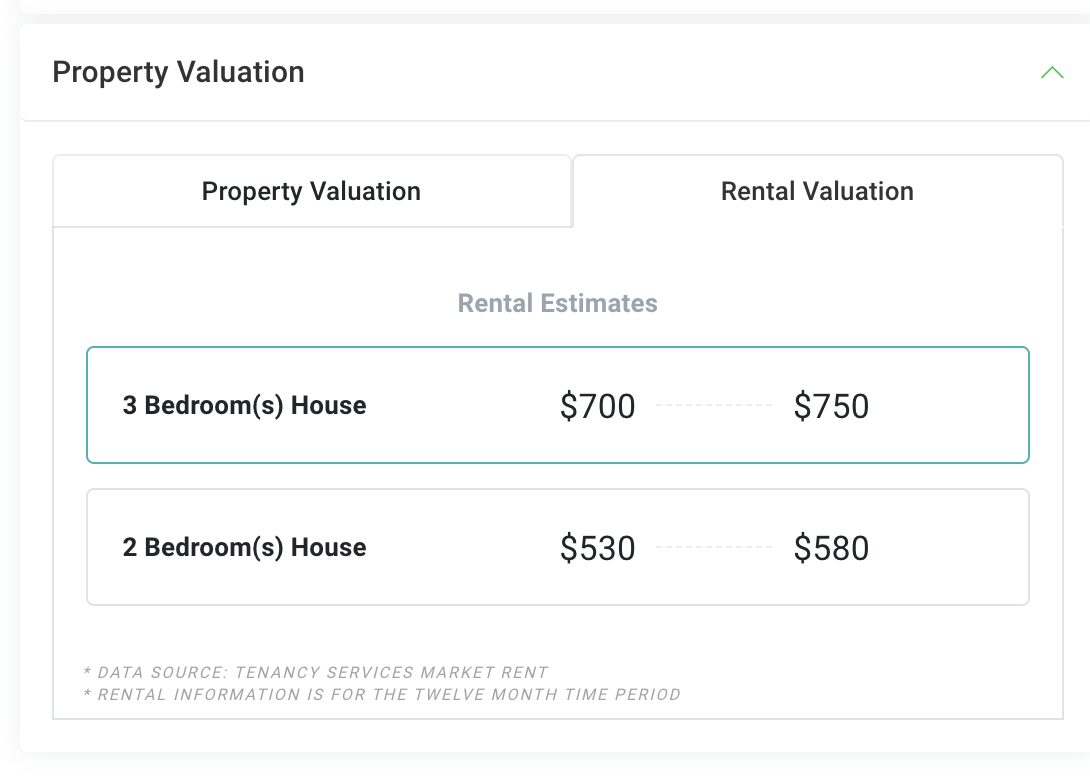
We've improved the rental data information on the Property Information panel so there is now no longer any need for our customers to have to jump out to other sources to find all the rental data they need, in particular, Property Managers. You can find rental data on the right hand side panel in the maps view on Relab. Rental Valuation is now the default option and we provide not only an upper and a lower figure, but also relevant data depending on the number of bedrooms a property/home has. The data we provide is consistent with Tenancy Services data.
ASI (Advanced Search Insights) more visible
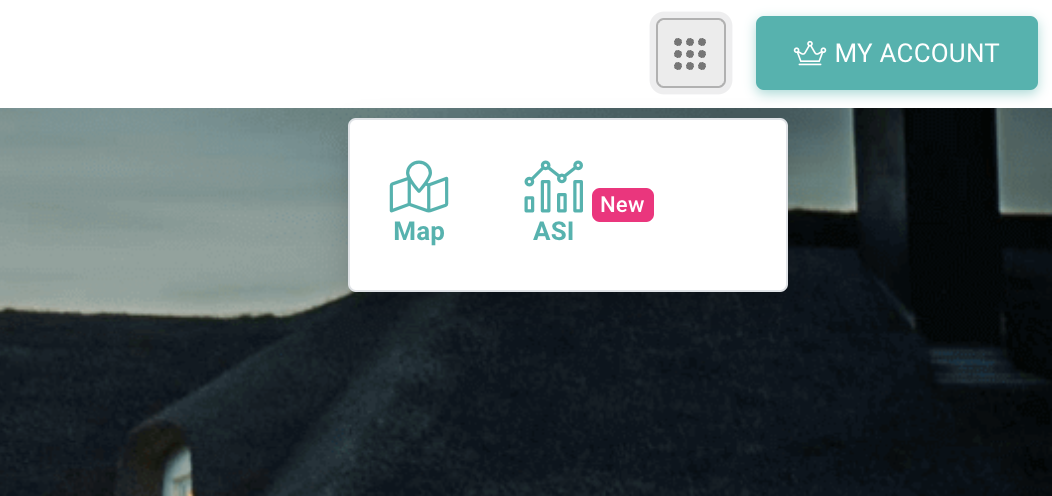
One of our most popular features, ASI (Advanced Search Insights) is now even easier to access. You can either find it in our new app drawer, top right of your main page. Or, click the link under the search bar on the home screen. ASI lets you easily filter your search by over 15 different search parameters, giving you thousands of distinct, data rich and highly accurate potential property results.

Property Characteristics Enhancements
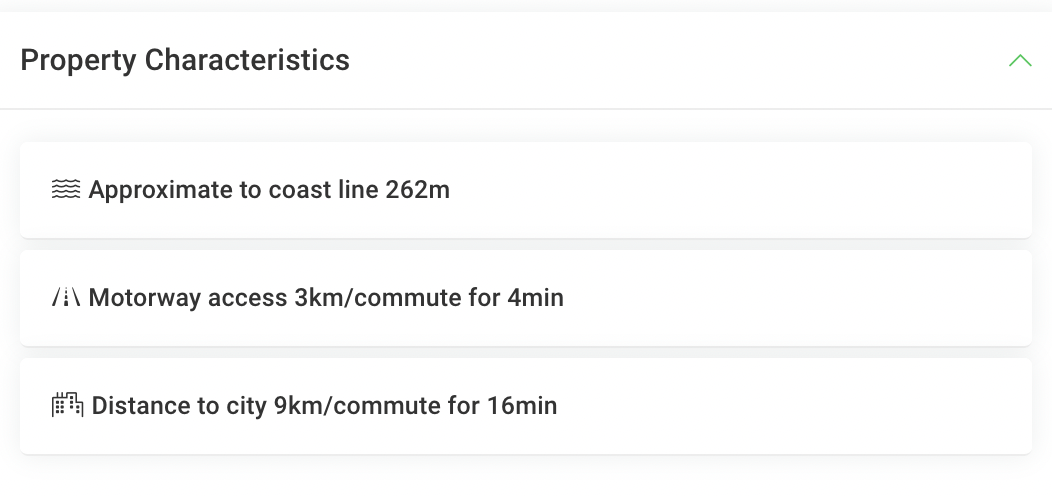
We've added new property characteristics to our property details panel. You can now see distance to motorway and distance to city information.
Enhanced Christchurch Data
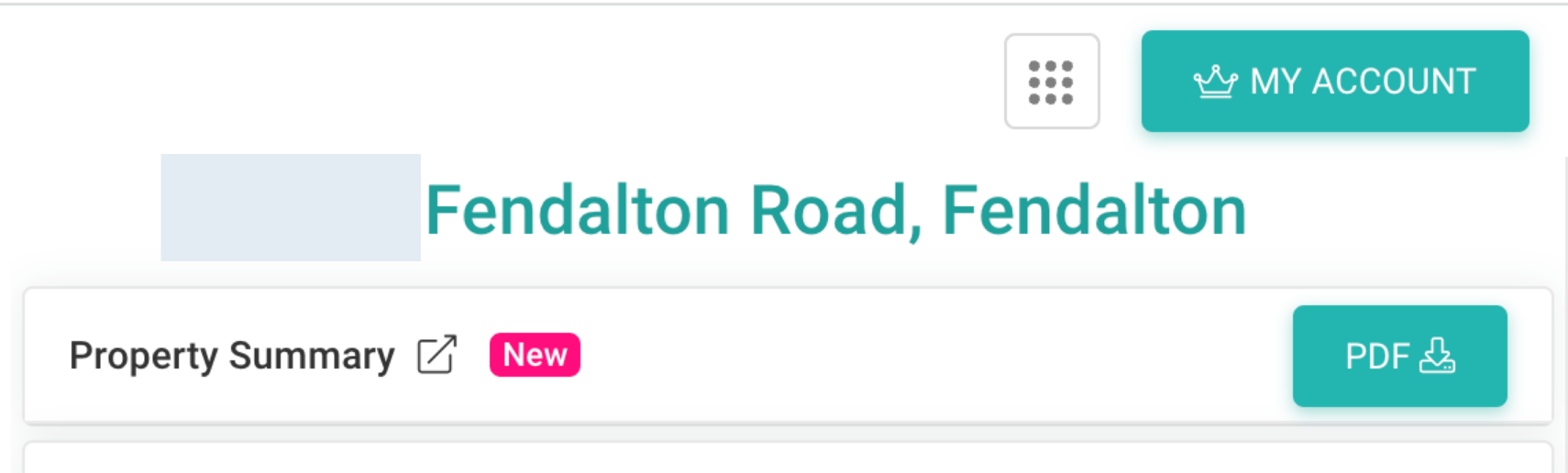
We've made it even easier for our Christchurch customers to get all the data and insights they need all in one place. You can now download either a one page summary report or a full summary report in Relab. Simply click on the arrow to get your one page summary. Or, Click PDF to download your full report directly to your computer or phone.
Hero illustration by our friends over at StorySet